What If the Work You Repeat Every Day Could Run Itself?
Connect your everyday apps, automate repetitive tasks and keep work moving without constant manual effort. These beginner-friendly tools help your business save time, respond faster and work smarter.
Zapier

Connect Your Everyday Apps
Zapier connects everyday apps so information and routine tasks move between them automatically across your business. Its simple trigger-and-action approach helps beginners reduce copying, reminders and repeated admin each day.
For example, a new website enquiry can be added to your customer list. Zapier can then notify your team and create a follow-up task without anyone re-entering the details.
Why choose it: Zapier offers guided setup, ready-made templates and connections with a wide range of popular business apps. It is a practical starting point for straightforward automation.
Keep in mind: Costs can rise as task volumes and workflow complexity increase. More advanced processes may also need careful testing and extra steps to handle errors reliably.
Best for: Beginners, sole traders and small businesses wanting quick, accessible connections between the everyday apps they already use for sales, marketing and administration.
Make
See Your Whole Workflow
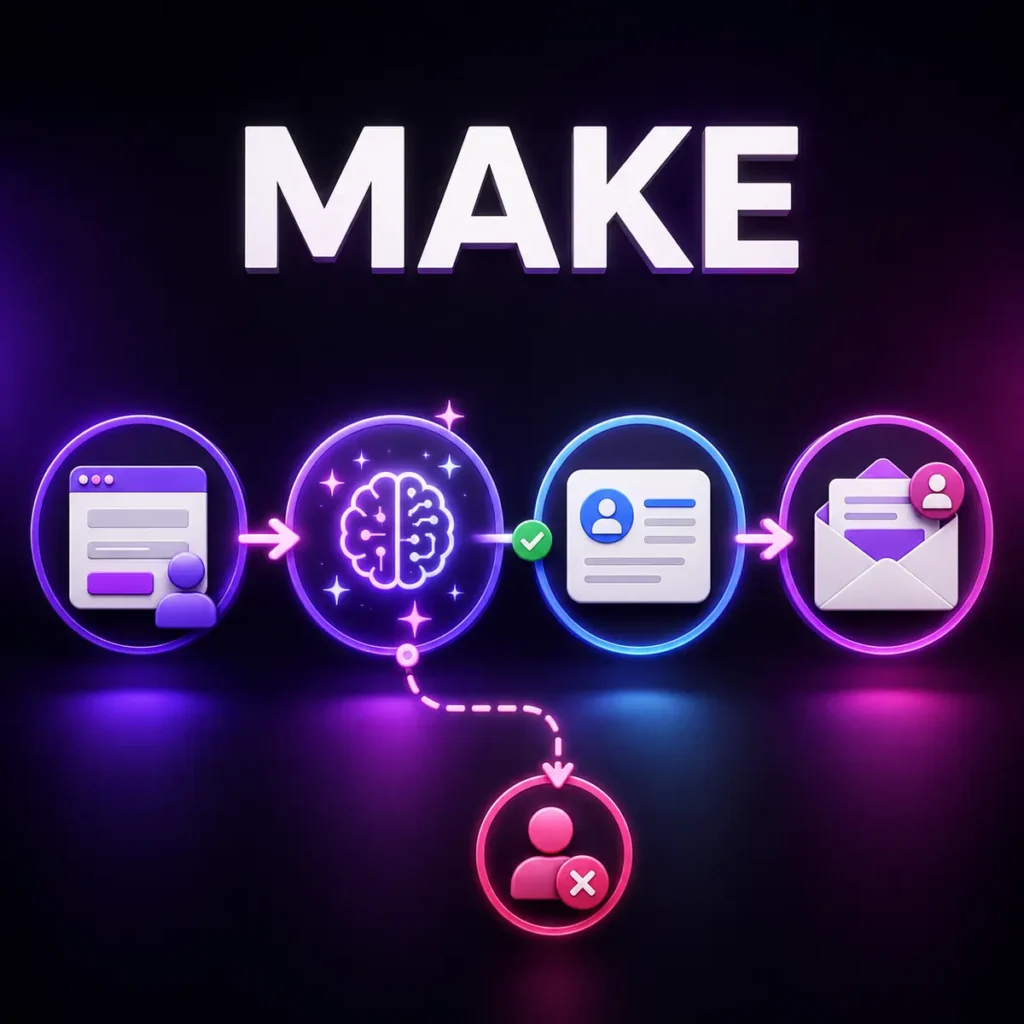
Make lets you design multi-step automations on a visual canvas that shows how information moves from start to finish. This clear layout helps visual learners understand and control complete business workflows.
For example, a new lead can be checked and sorted by service interest. Make can then update the CRM, prepare a suitable email and notify the right team member.
Why choose it: Make provides strong control over steps, filters and different routes while keeping the full process visible. It suits businesses moving beyond simple app-to-app automation.
Keep in mind: Complex scenarios take longer to learn, organise and troubleshoot. Beginners may need practice with data mapping, filters and error handling before building larger workflows confidently.
Best for: Visual learners, online marketers and growing businesses that need understandable multi-step workflows with more flexibility than simple connections between two everyday applications.
Lindy

Put an AI Teammate to Work
Lindy creates AI assistants that can work across email, calendars, meetings and connected business apps throughout the working day. It helps busy teams delegate routine communication and follow-up while retaining human oversight.
For example, Lindy can read a customer enquiry and find the relevant context. It can then prepare a suitable reply and wait for approval before anything is sent.
Why choose it: Lindy makes goal-based AI assistance approachable and supports useful human approval points. It is well suited to communication, scheduling, meeting and follow-up work.
Keep in mind: Usage is credit-based, so demanding tasks can consume allowances faster. Results still require clear instructions, suitable permissions and human checks when messages or decisions affect customers.
Best for: Busy founders, consultants, marketers and small teams wanting an AI teammate to assist effectively & efficiently with email, meetings, scheduling and customer follow-up tasks.
n8n
Build Powerful AI Orchestration
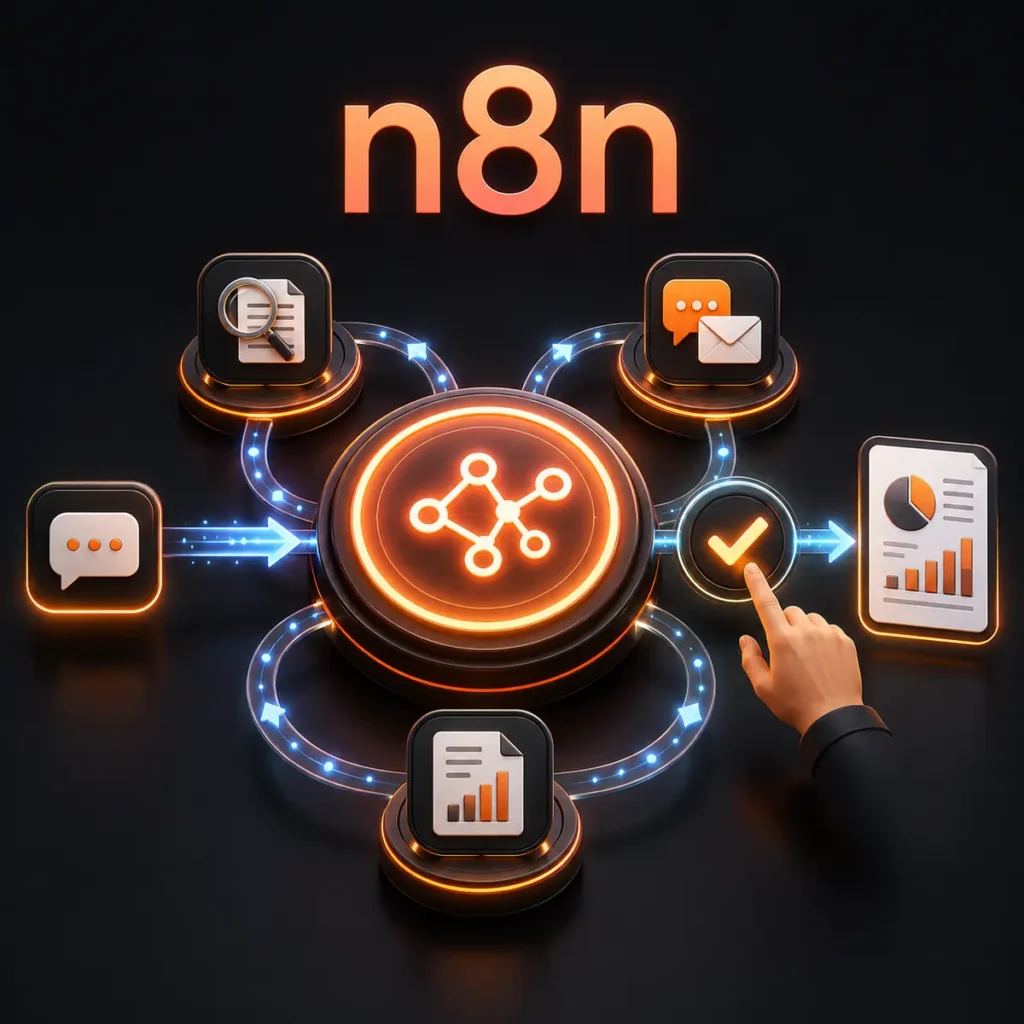
n8n builds flexible workflows that connect apps, data, AI models and specialist agents inside one system. It gives experienced users greater control over advanced automation and AI orchestration.
For example, a research request can pass through separate gathering, analysis and writing stages. n8n can coordinate those stages, apply business rules and send the finished report for human approval.
Why choose it: n8n provides detailed workflow control, flexible integrations and support for advanced AI processes. It can coordinate several tools or agents within one organised system.
Keep in mind: The learning curve is steeper than the other options here. Complex builds may require knowledge of APIs, data structures, authentication, testing and ongoing workflow maintenance.
Best for: Technically curious business owners, agencies and automation specialists needing flexible, controlled workflows that coordinate multiple applications, data sources or specialist AI agents.
Not sure which tool fits your workflow? Read our comparison or explore AI Content Generation tools next.
